 KJ 1Stop
Feature Packed, Built to Run a Real Show
Everything below is included in the $99 price — no subscriptions, no paid add-ons for the request system.
Song Library, Built for Speed
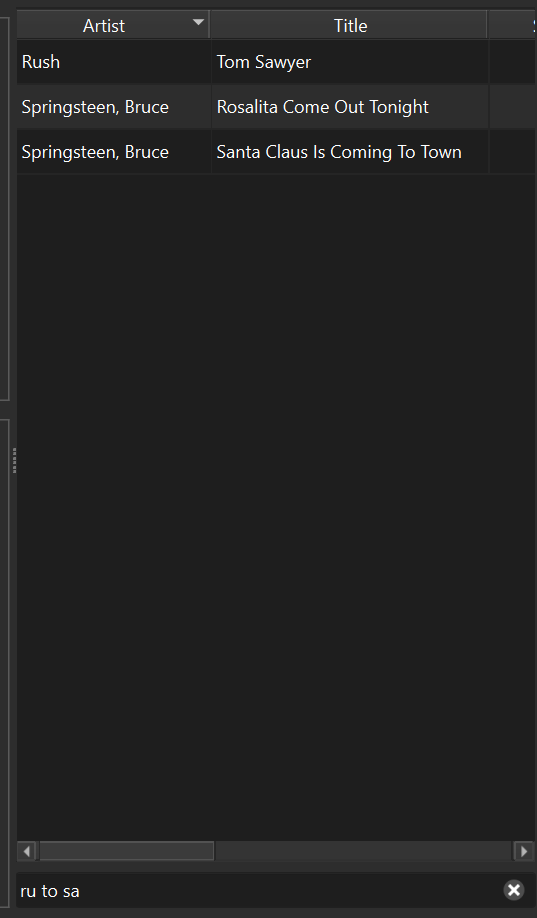
Import a whole folder of karaoke files in one go, and find any song instantly with real-time search as you type, no need to type the whole name.
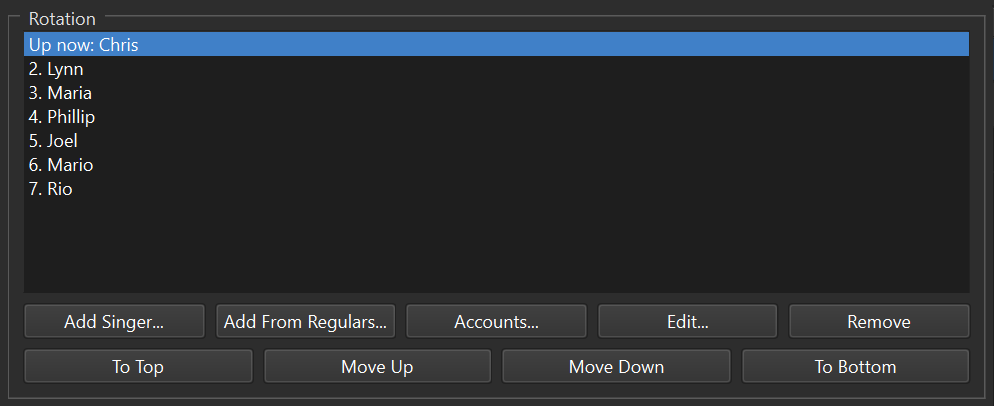
Singer Rotation Made Simple
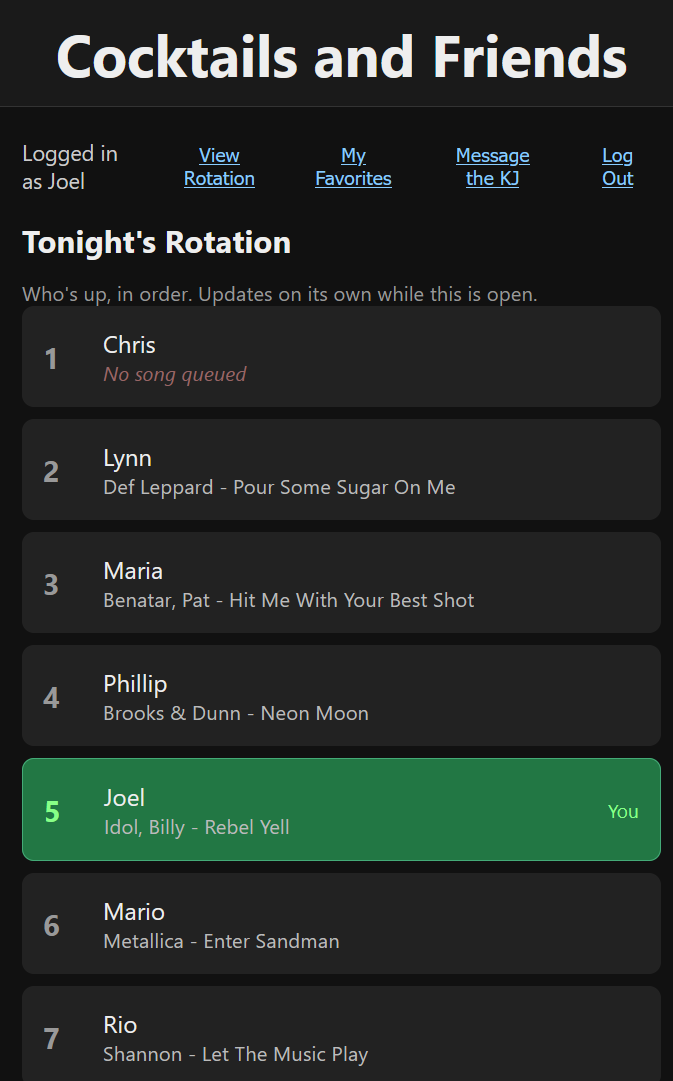
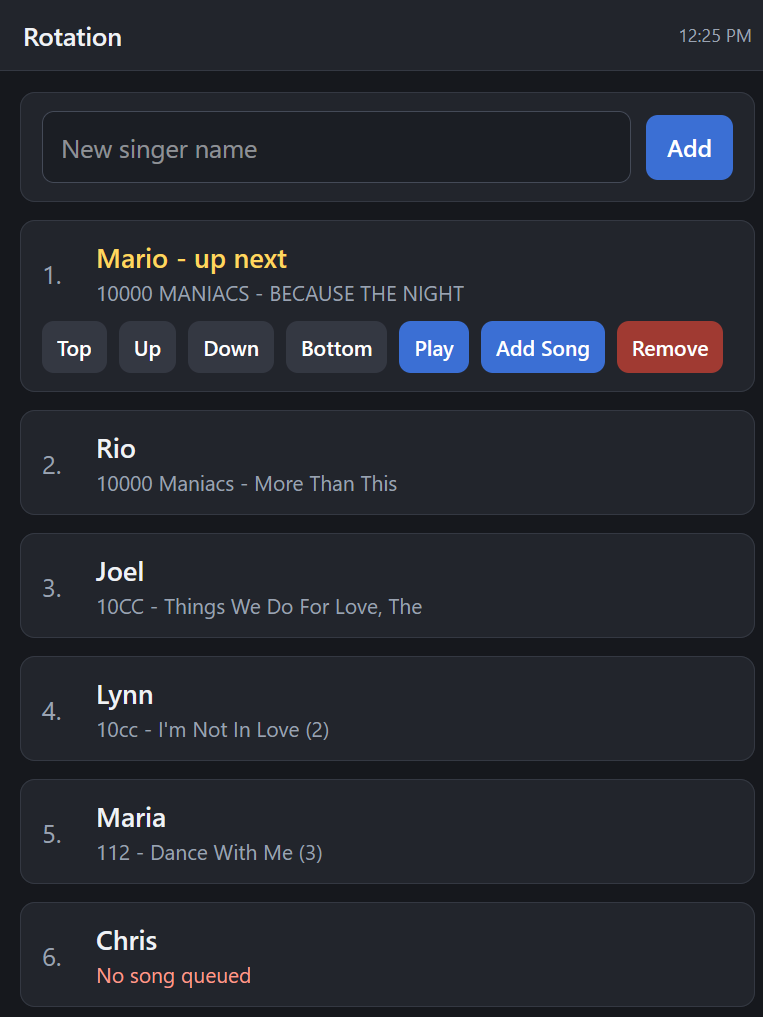
Drag to reorder, add singers on the fly, and manage everyone's queue from one panel. One click clears the whole rotation or the whole library when you need a clean slate. Singers can check their own spot in line from their phone, too, updating live so nobody has to ask who's next.
Singers Request From Their Own Phone
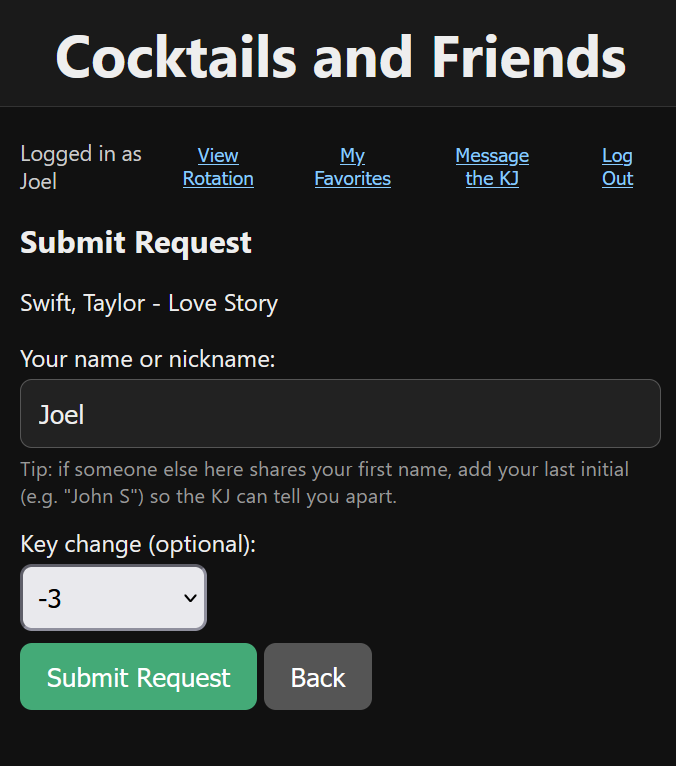
KJ 1Stop automatically displays a QR code on screen and singers scan it to browse your songbook and send requests — no app to download, works on any phone. It's built in, not a separate subscription like most competing tools charge for. Drag the QR code anywhere on the singer screen and resize it to fit however you've got your display set up. Want it off-screen too? Build and save the same QR code as an image any time, ready to print on table tents, flyers, or business cards for the venue.
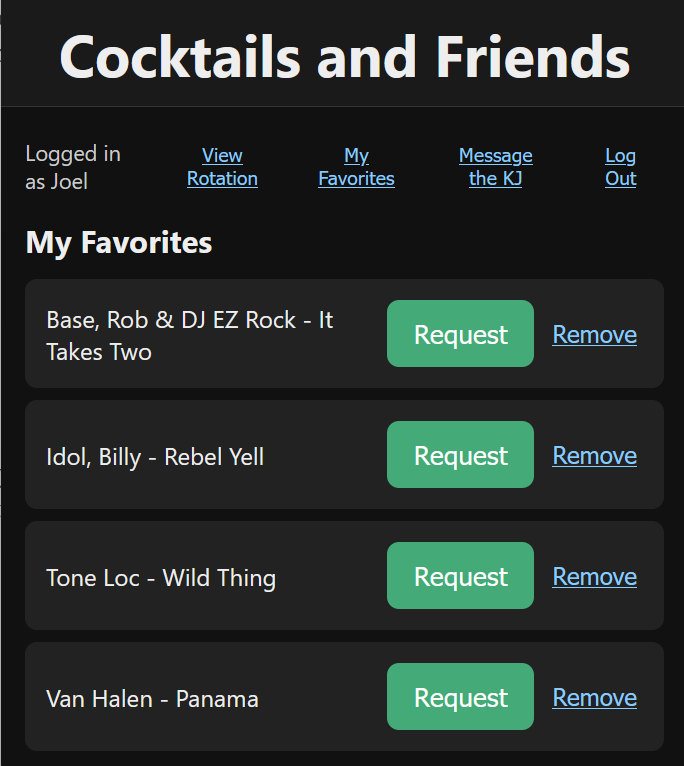
Singer Accounts & Saved Favorites
Singers can create their own account right from their phone and star songs as favorites, so their go-to songs are one tap away the next time they sing — no re-searching the songbook every visit.
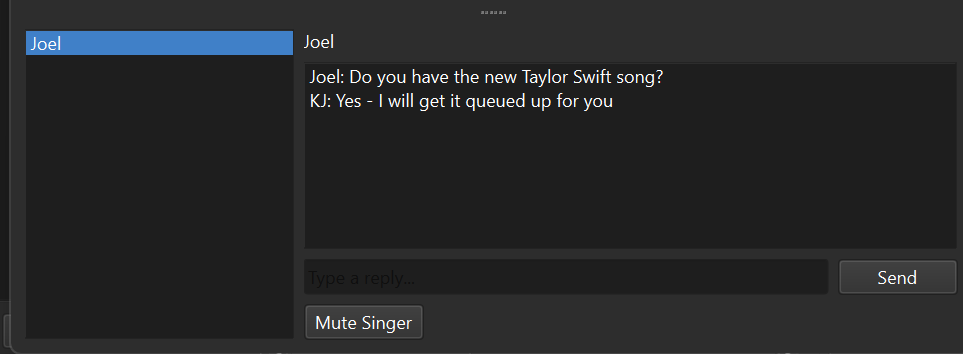
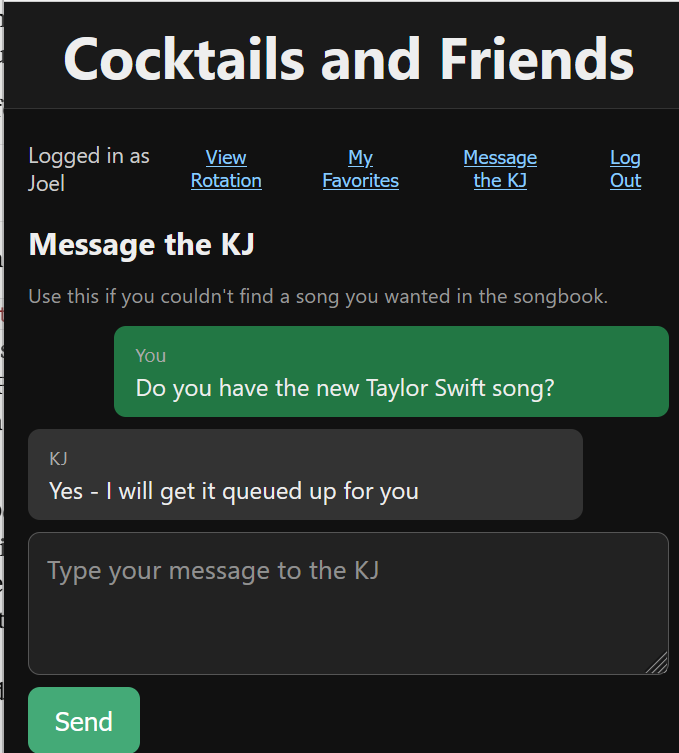
Chat With Your Singers
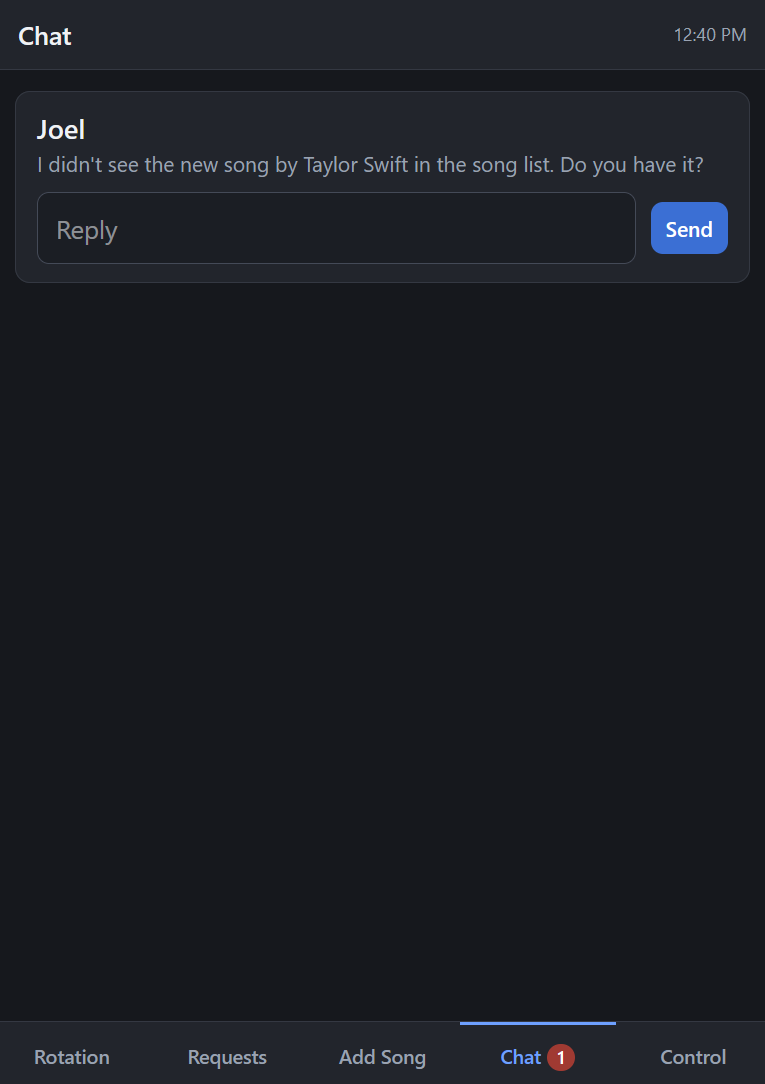
Take song requests and talk to your audience over built-in chat, right from the same window you're running the show from.
Background Music & Spotify, Handled
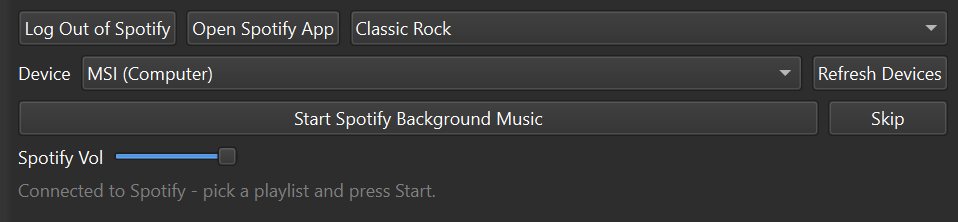
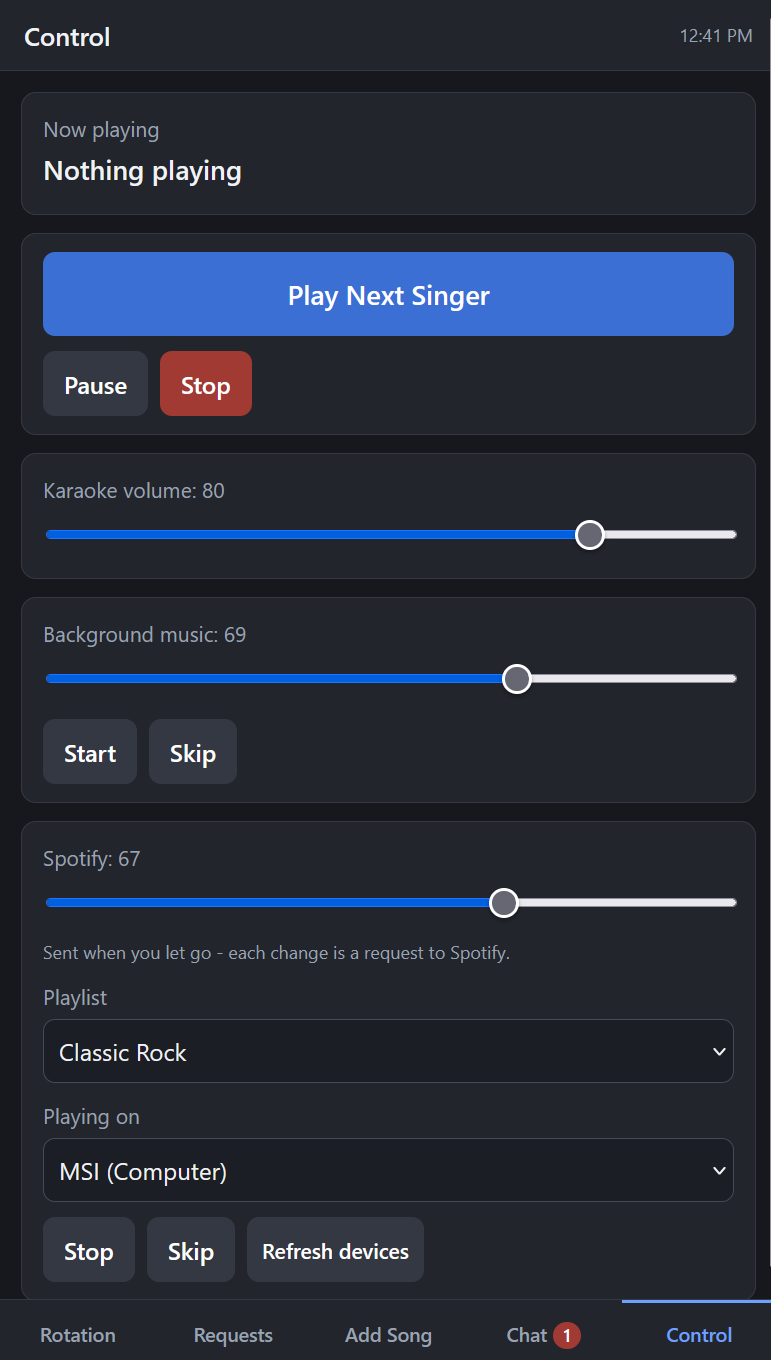
Play your own background music between sets, or remote-control Spotify directly from KJ 1Stop — no need to run a separate app.
Key, Tempo, and Real Playback Control
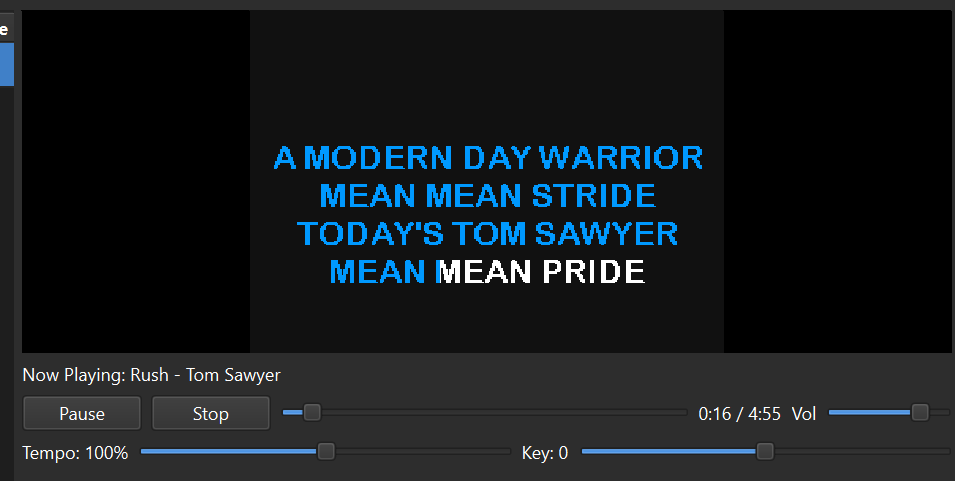
Shift the key or tempo of any track on the fly, independently of each other, so you can meet a singer where their voice actually is.
A Real Singer-Facing Display
Send video/CDG output to a second screen or projector with a live “up next” ticker, so your singers always know who's coming up without asking you.

Pull Songs From External Video Sources
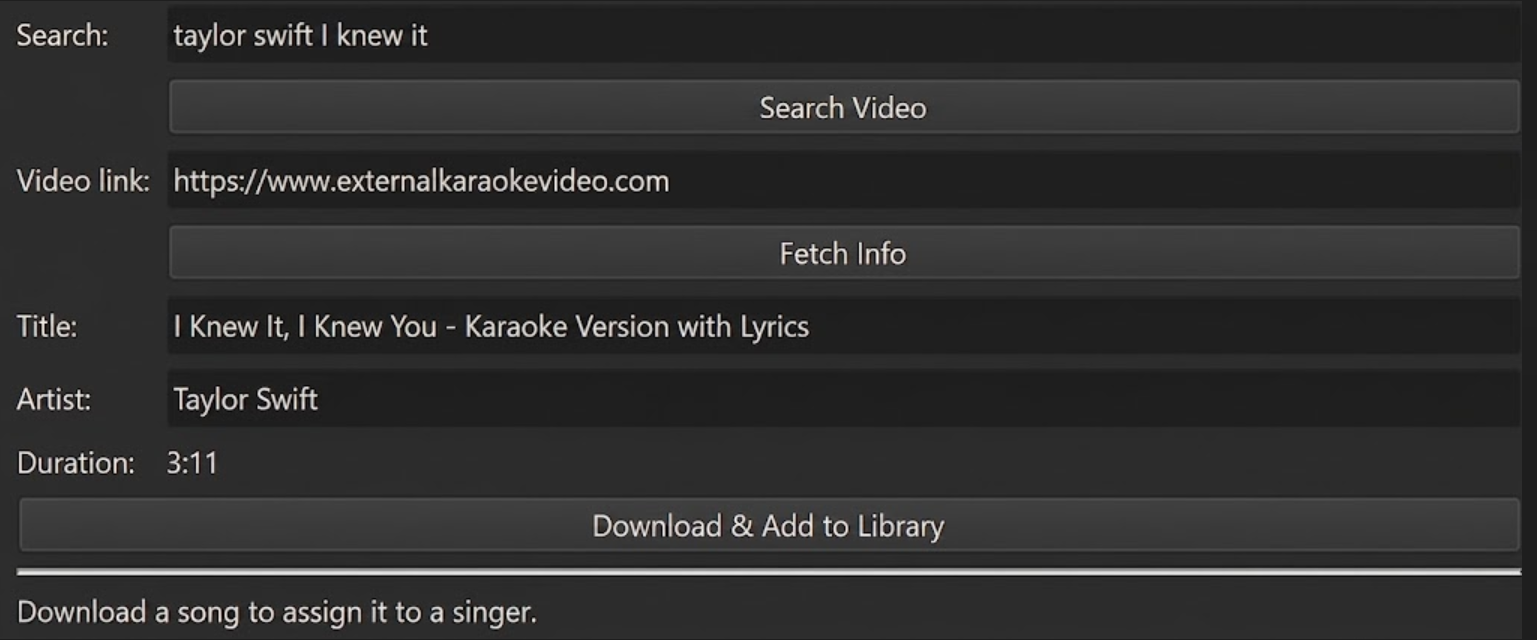
Search, download, and play karaoke tracks straight from external video sources — external video integration built right into the hosting software, no separate downloader or player needed.
KJ Remote — Run the Show From Your Phone
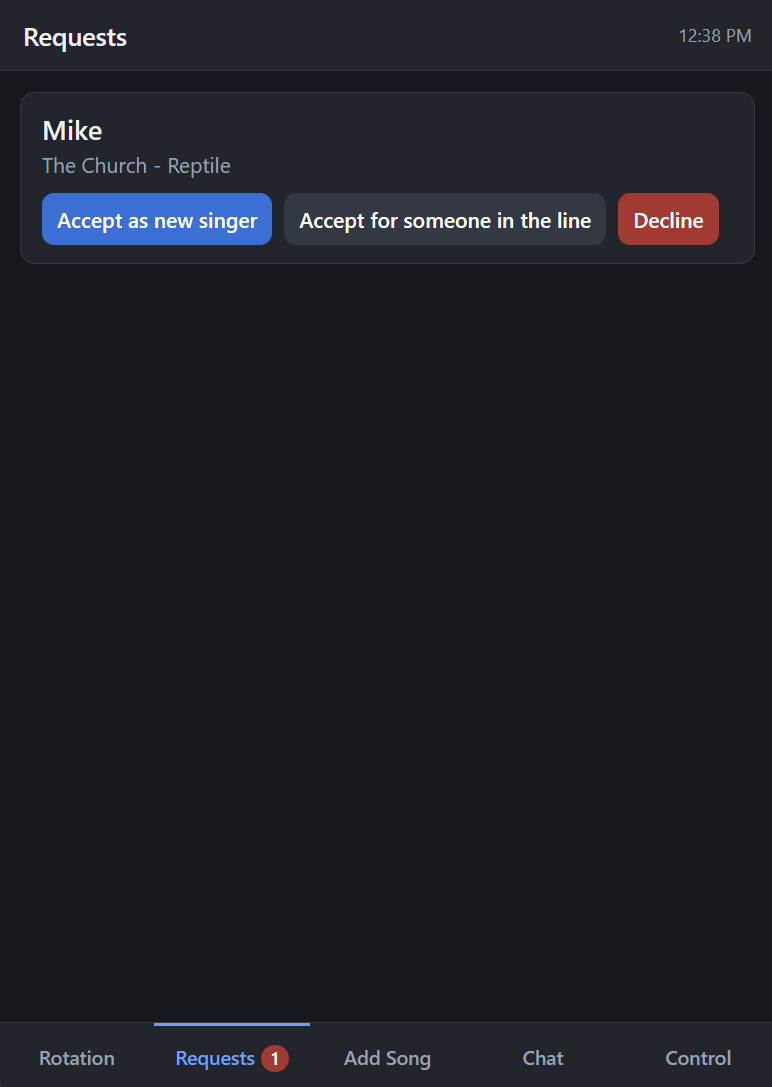
KJ Remote puts your rotation, requests, chat, and playback controls on your phone or tablet, so you can work the room instead of being stuck behind the booth. Reorder or add singers, queue up their songs, and start the next one, all from the Rotation tab. Accept incoming requests as a new singer or slot them in with someone already in line from Requests. Read and reply to singer messages from Chat. And from Control, pause or stop playback and adjust karaoke and background music volume, plus start, pause, stop, or skip your background music — all without leaving the crowd.
System Requirements
Windows
- Windows 10 or 11, 64-bit
- 4 GB RAM or more
- ~500 MB free disk space (plus room for your song library)
Linux Beta
- AppImage build
- Labeled beta since it hasn't been tested as thoroughly as the Windows build yet